
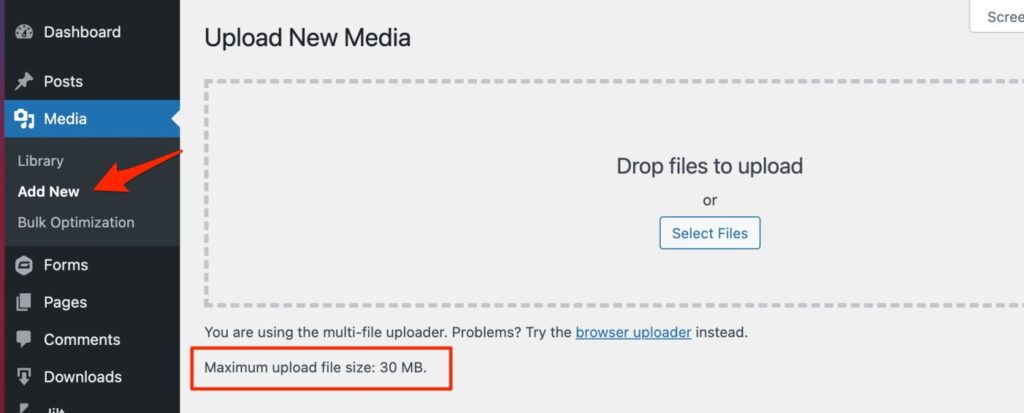
The easiest way to increase the maximum file upload size is by creating or editing a file called php.ini. This file controls a lot of settings for your WordPress hosting environment.
Most WordPress hosting providers like Dianahost have a beginner-friendly cPanel to help manage your website.
If your web host has a cPanel dashboard, then you can increase the file upload size through the built-in tools.
To do this, log in to your WordPress hosting account dashboard and go to the ‘Software’ section.
Then, click on ‘MultiPHP INI Editor’.

Next, scroll down to the section labeled ‘upload_max_filesize’ and enter a new maximum filesize into the box.
Then, click the ‘Apply’ button.

Alternatively, you can click the ‘Editor Mode’ menu tab, and then you can change the maximum file upload size directly in the editor.
You need to edit the ‘upload_max_filesize’ section to increase your file upload size.
Once you are finished, just click the ‘Save’ button.
